The core difference is architecture. Avigilon Unity Video is the on-premise
platform: video is hosted locally on your own infrastructure, and Avigilon positions Unity as an
end-to-end on-premise video, access and sensor system. Avigilon Alta Video is the
cloud-based platform, part of an Alta portfolio that Avigilon describes as “serverless by design.”
Neither is a newer version of the other. They are two current architectures for two different
operating models, and the right answer depends on where you want the system to live, who administers
it and how your organisation is structured. This guide walks through the decision.
Unity Video vs. Alta Video at a glance
| Factor | Avigilon Unity Video | Avigilon Alta Video |
|---|---|---|
| Architecture | On-premise; locally hosted video | Cloud-based; Avigilon describes Alta as serverless by design |
| Administration model | Managed on site, with Unity Cloud Services available for remote access and role-based control | Managed remotely through the cloud platform |
| Infrastructure | Local servers, storage and network capacity are part of the design | Cloud connectors and supported cameras; less on-site server infrastructure |
| Remote management | Available via Unity Cloud Services | Core to the platform |
| Camera environment | Avigilon cameras supported in the Unity environment | Alta cameras plus Alta Cloud Connectors for supported existing cameras |
| Software upgrades | Managed process; Avigilon offers Smart Assurance Plans covering upgrades | Delivered through the cloud service |
| Typically suits | Organisations that want video retained and controlled on their own infrastructure | Organisations prioritising remote administration and reduced on-site server estate |
ACG’s Avigilon video management page
covers both platforms in the context of a full system design.
What is Avigilon Unity Video?
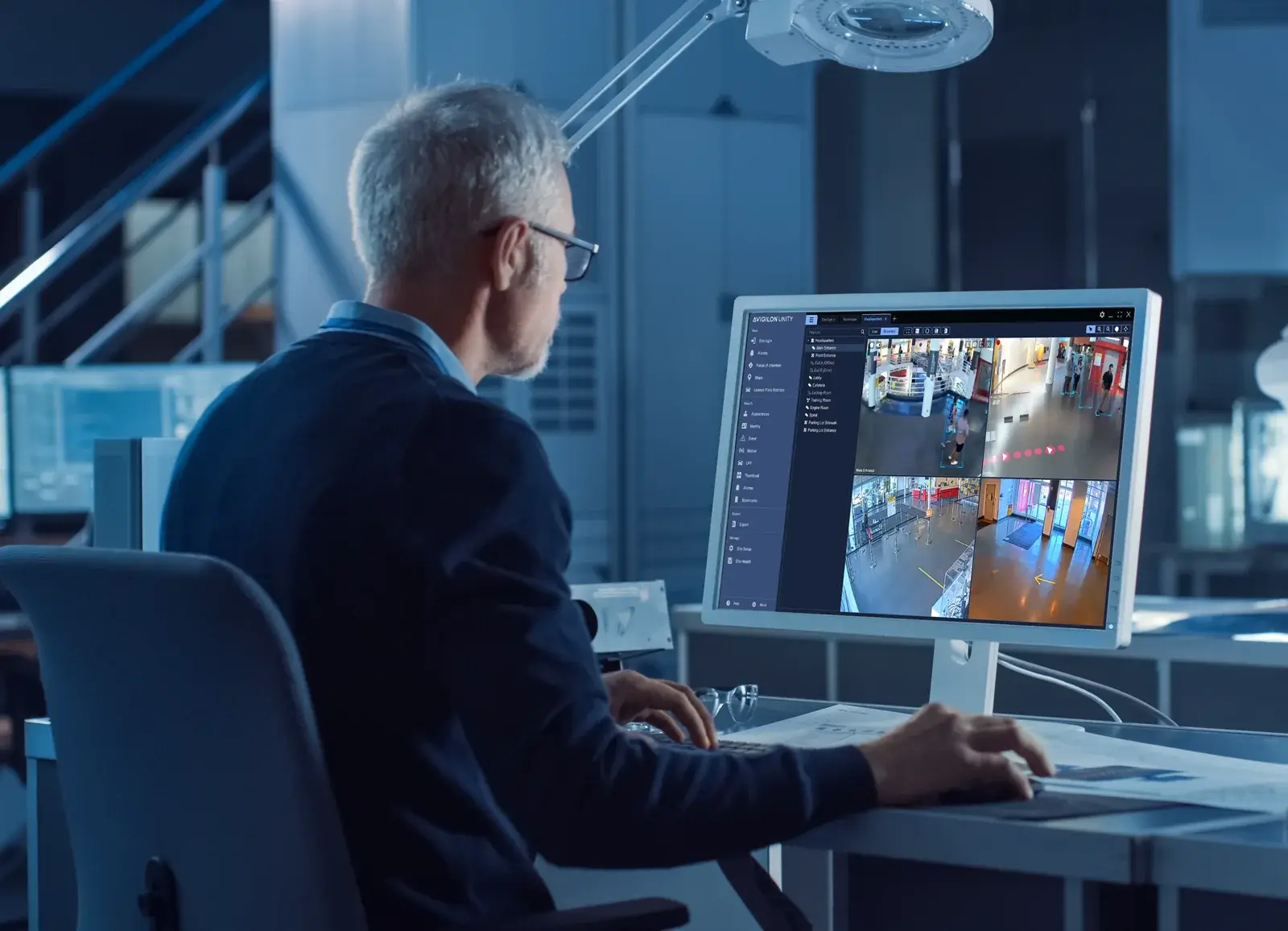
Unity is Avigilon’s on-premise line. Avigilon describes Unity as an end-to-end on-premise video,
access and sensor security system with centralised management, and describes Unity Video as the way
to work with locally hosted video footage — including automated alerts and real-time video previews.
Several Unity components are worth knowing about when scoping a project. Unity Cloud
Services adds centralised role-based access control, remote access and a more
straightforward software upgrade path without moving the video itself to the cloud. The
Avigilon Decision Management System provides a single-screen interface.
Unity Access unifies with Unity Video so that access and video are managed
together. Avigilon also offers Smart Assurance Plans covering software upgrades
and investment protection.
When Unity Video fits
Unity Video tends to be the stronger fit when:
- The organisation has a policy or operational reason to retain video on its own infrastructure
- There is an existing investment in local servers, storage and network capacity
- Camera counts or retention periods make local storage the more practical option
- Internal IT already manages on-premise systems and is comfortable doing so
- Unity Access is in use or planned, and unified administration is valuable
- Bandwidth to a site is limited or expensive
It is worth noting that choosing on-premise no longer means giving up remote access — Unity Cloud
Services exists precisely to bridge that gap.
What is Avigilon Alta Video?
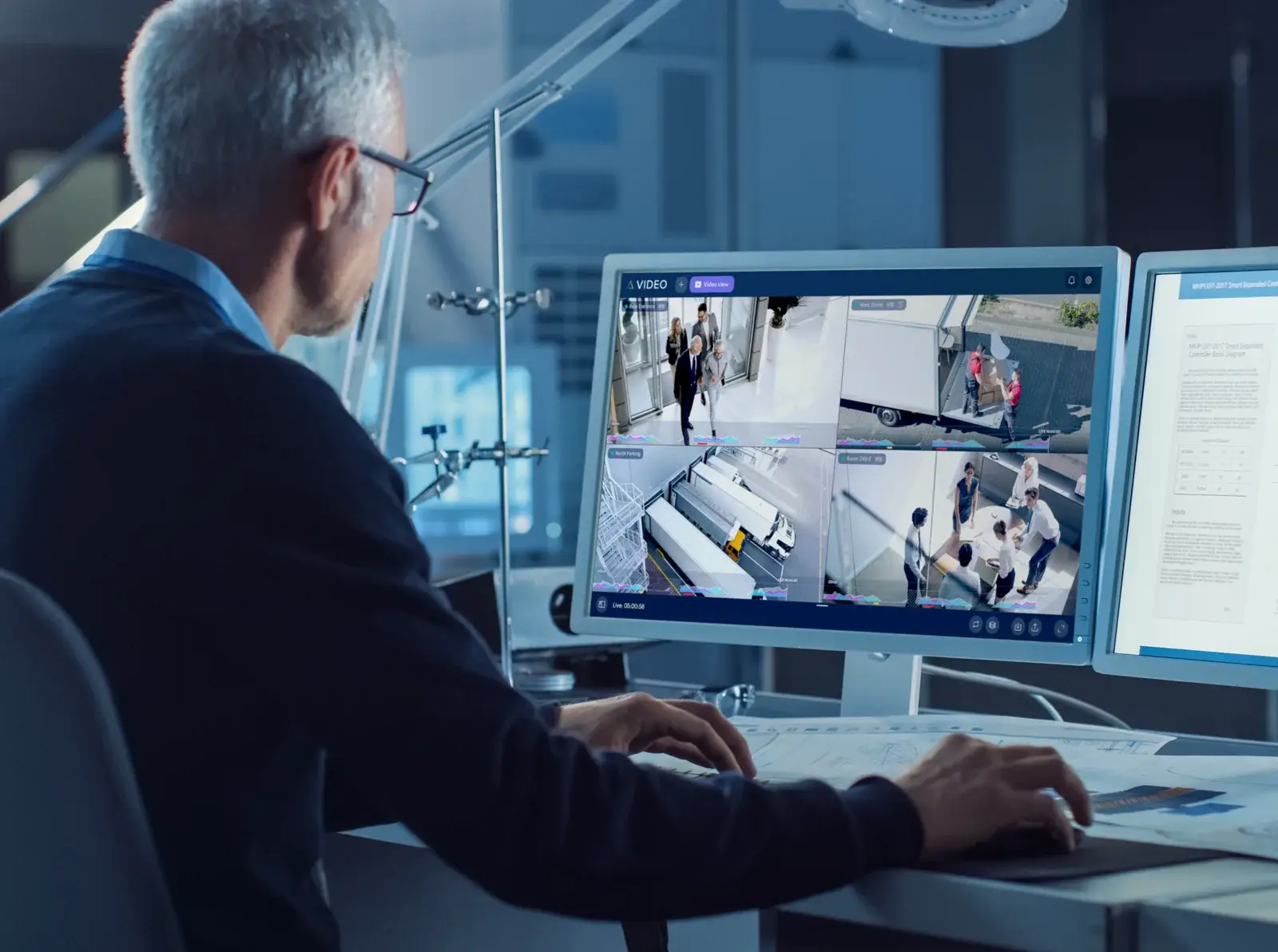
Alta is Avigilon’s cloud line. Avigilon describes the Alta cloud security system as serverless by
design and secure by default, combining core cloud security systems with analytics that adapt as
sites and users grow. Alta Video is the video component, alongside Alta Access, Alta Protect, Alta
Mailroom and Alta Visitor.
On the hardware side, Alta covers Avigilon Alta security cameras, smart access control readers,
access control hardware, smart sensors and Alta Cloud Connectors — the last of
which matters when an existing camera estate is involved, because it is the mechanism for bringing
supported existing cameras into the cloud platform.
When Alta Video fits
Alta Video tends to be the stronger fit when:
- The organisation wants to reduce or avoid on-site server infrastructure
- Sites are numerous, small, or lack local IT support
- Administration needs to happen centrally or remotely as a matter of routine
- New locations are added regularly and need to be brought online quickly
- The security team is distributed and works from multiple locations
- Alta Access is in use or planned for the same estate
The trade-off to plan for is connectivity and bandwidth. A cloud platform depends on the network
at each site, so upload capacity and reliability belong in the design conversation from the start.
What changes in a multi-site environment?
Multi-site is where the architecture question becomes most consequential. With several
properties, the questions shift from “what does this building need?” to:
- Who administers users and permissions across all sites, and from where?
- Does each site need the ability to operate independently if a link drops?
- How consistent are the camera estates between locations?
- How quickly do new sites need to come online?
- Do regional teams need different levels of access from central security?
Cloud administration is often attractive at scale because it removes per-site server management.
On-premise remains attractive where sites are large, bandwidth is constrained or local autonomy
matters. Mixed estates are common, and are a legitimate design outcome rather than a failure to
decide.
How camera compatibility affects the decision
The existing camera estate frequently drives this decision more than any platform feature. If a
site already has a significant investment in Avigilon cameras, the question becomes which of those
devices are supported in the target environment.
Some camera families are positioned for specific environments — the H6X Dome, for instance, is
positioned for Unity on-premise deployments. Others offer both Unity and Alta options. That is
exactly why ACG confirms the specific model and platform support before recommending a platform,
rather than assuming that a camera which looks similar can be commissioned into either environment.
See Avigilon video cameras for the current
families.
Storage and retention considerations
Retention is a design input, not an afterthought. How long video must be kept, at what resolution
and frame rate, across how many cameras, determines a great deal about the resulting system.
On-premise means sizing and maintaining local storage, and planning for its replacement over
time. Cloud shifts that to the service, but makes upload bandwidth and ongoing subscription
planning the relevant constraints. Neither removes the need to answer the underlying question
first: what actually needs to be retained, and for how long, based on the organisation’s own
requirements?
Video search and investigation workflows
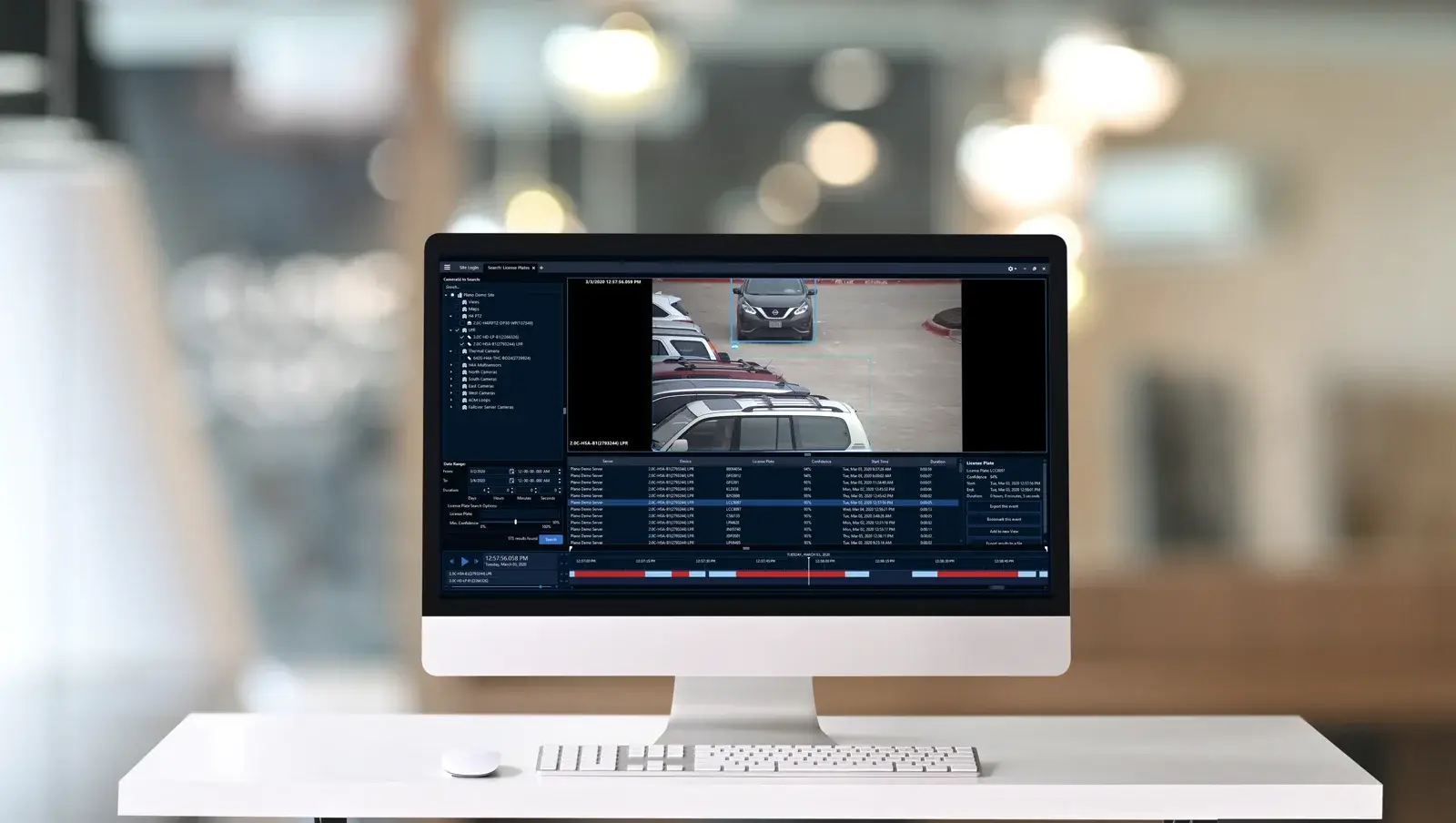
The day-to-day value of a video system is usually decided by how quickly someone can find a
relevant event. Avigilon describes video analytics on the Unity side that learn and improve,
including the ability to search and locate people or objects, and its AdaptAI analytics. On the
Alta side, analytics are built into the cloud platform.
The practical test is to describe a real investigation your team has had to perform and walk it
through each platform. That surfaces differences in search, export and permissions far better than
a feature list. ACG’s video analytics service covers
those review and alerting workflows.
Can video management integrate with access control?
Yes, and it is one of the more useful reasons to consider both platforms as a family rather than
in isolation. Avigilon documents Unity Video and Unity Access integration on the on-premise side,
and Alta Video sits alongside Alta Access within the cloud portfolio.
Where video and access are integrated, a door event can be reviewed with the relevant visual
context instead of correlating two systems by timestamp. The exact workflow needs to be confirmed
for the specific products and versions involved — see
Avigilon access control for the
access-side detail.
Questions ACG evaluates before recommending a platform
- Where does the organisation want video to be stored, and why?
- What is the existing camera estate, and what is supported in each environment?
- What retention period is genuinely required?
- What is the upload bandwidth at each site, and how reliable is it?
- Who administers the system day to day, and from where?
- How many sites are involved, and is the estate growing?
- Is access control in scope now or later?
- What does a typical investigation look like for this team?
These questions usually produce a clearer recommendation than any feature comparison, because
they describe how the system will actually be operated.
Choose the platform around how your team works
Tell us how many sites you operate, what cameras are already installed, how long video needs to
be kept and who needs to administer the system. ACG Security Solutions can help you evaluate Unity
Video and Alta Video against those realities and design the wider
commercial video surveillance system around the
answer.
Schedule a video management consultation
MOTOROLA, MOTO, MOTOROLA SOLUTIONS and the Stylized M Logo are trademarks or registered
trademarks of Motorola Trademark Holdings, LLC and are used under license. All other trademarks are
the property of their respective owners.
Comments are closed for this article!