The distinction is architectural. Avigilon Unity Access is the on-premise access
control system — Avigilon notes it was formerly Avigilon Access Control Manager (ACM) — managed
through a browser-based interface on appliances you run at your own site.
Avigilon Alta Access is the cloud-native system, where doors, users and sites are
managed remotely through Avigilon’s cloud platform.
Both are current products in Avigilon’s access control range. The decision is less about which
has more features and more about where you want the system to live, who administers it, and what
door hardware you already have. This guide covers how to make that call.
Unity Access vs. Alta Access at a glance
| Factor | Avigilon Unity Access | Avigilon Alta Access |
|---|---|---|
| Architecture | On-premise (formerly Access Control Manager / ACM) | Cloud-native |
| Management approach | Browser-based management of on-site appliances | Remote management of doors, users and sites through the cloud |
| System platform | Enterprise, Enterprise Plus, Professional and Virtual appliance options | Cloud service with controllers, boards and hubs at the door |
| Door hardware | Controller-based on-premise environment, including wireless lock integrations | Smart readers, controllers, boards, hubs and wireless locks |
| Credentials | Conventional credential types administered on site | Access credentials including mobile-oriented options |
| Remote administration | Available; Avigilon highlights taking access control “on the go” | Core to the platform |
| Video integration | Documented Unity Video integration | Alta Video within the same cloud portfolio |
| Typically suits | Organisations retaining access infrastructure and administration on site | Organisations prioritising remote, centralised, multi-site administration |
ACG’s Avigilon access control page
covers both platforms in the context of a full door-by-door design.
What is Avigilon Unity Access?
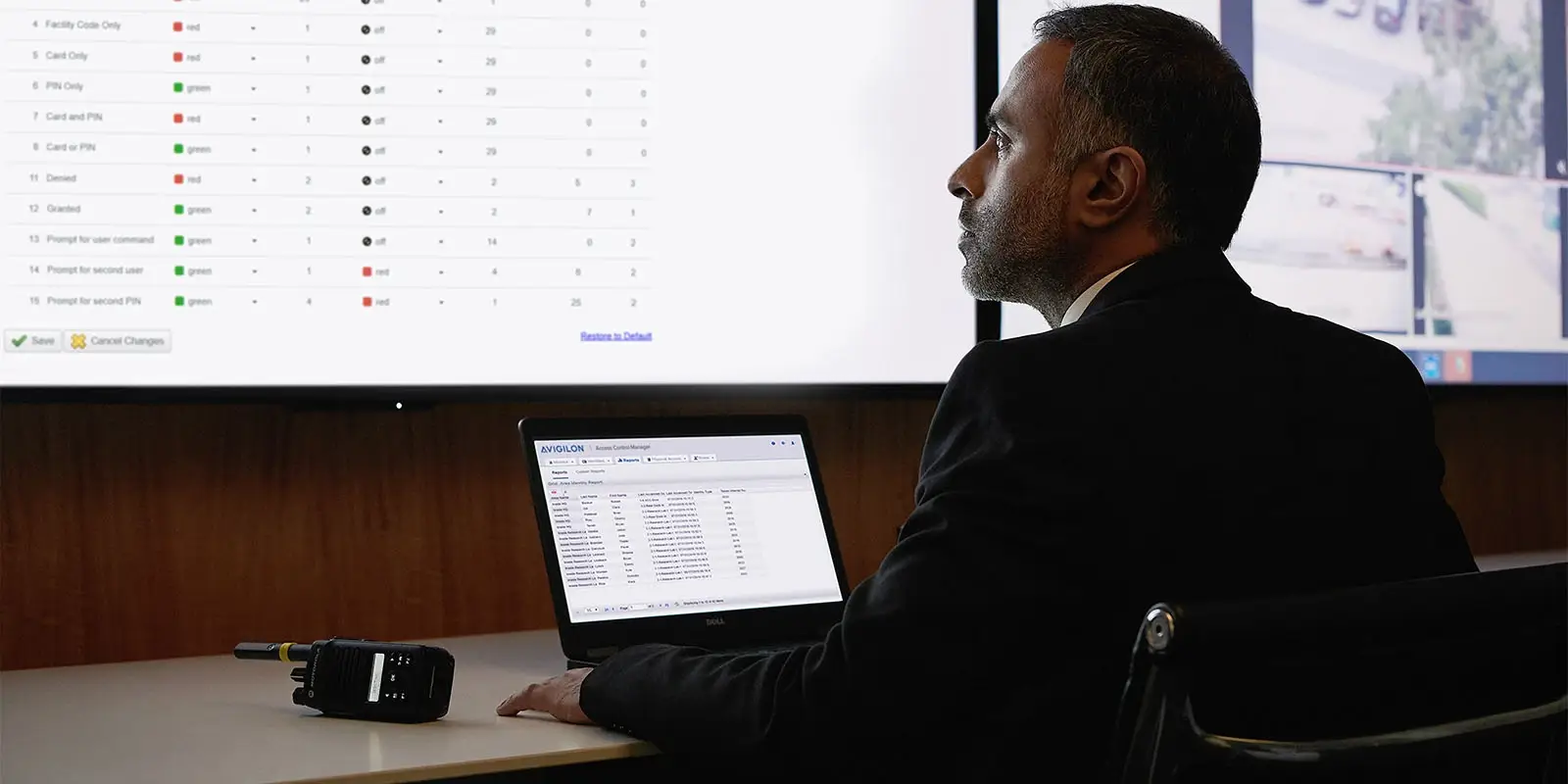
appliances.
Unity Access is Avigilon’s on-premise access control system. Avigilon states directly that Unity
Access was formerly Avigilon Access Control Manager (ACM), which is useful context for anyone with
existing ACM documentation or an incumbent system. It provides browser-based management with what
Avigilon describes as an intuitive, future-proof and secure approach.
Unity Access appliances come in Enterprise and Enterprise Plus,
Professional and Virtual options, which is how the platform scales
from a single property to a larger estate. On the integration side, Avigilon documents wireless lock
integrations, partner integrations and Unity Video integration.
Where Unity Access fits
Unity Access is generally the stronger fit when:
- The organisation wants access control infrastructure and data to remain on its own systems
- There is an existing ACM or on-premise access deployment to build on
- Internal IT already operates on-premise systems and is comfortable doing so
- Unity Video is in use, and unified video and access administration is valuable
- A virtual appliance fits better with existing virtualisation standards
- Site connectivity is limited, or local autonomy during a network outage is a requirement
Choosing on-premise does not mean giving up remote capability — Avigilon specifically covers
taking Unity Access administration on the go.
What is Avigilon Alta Access?
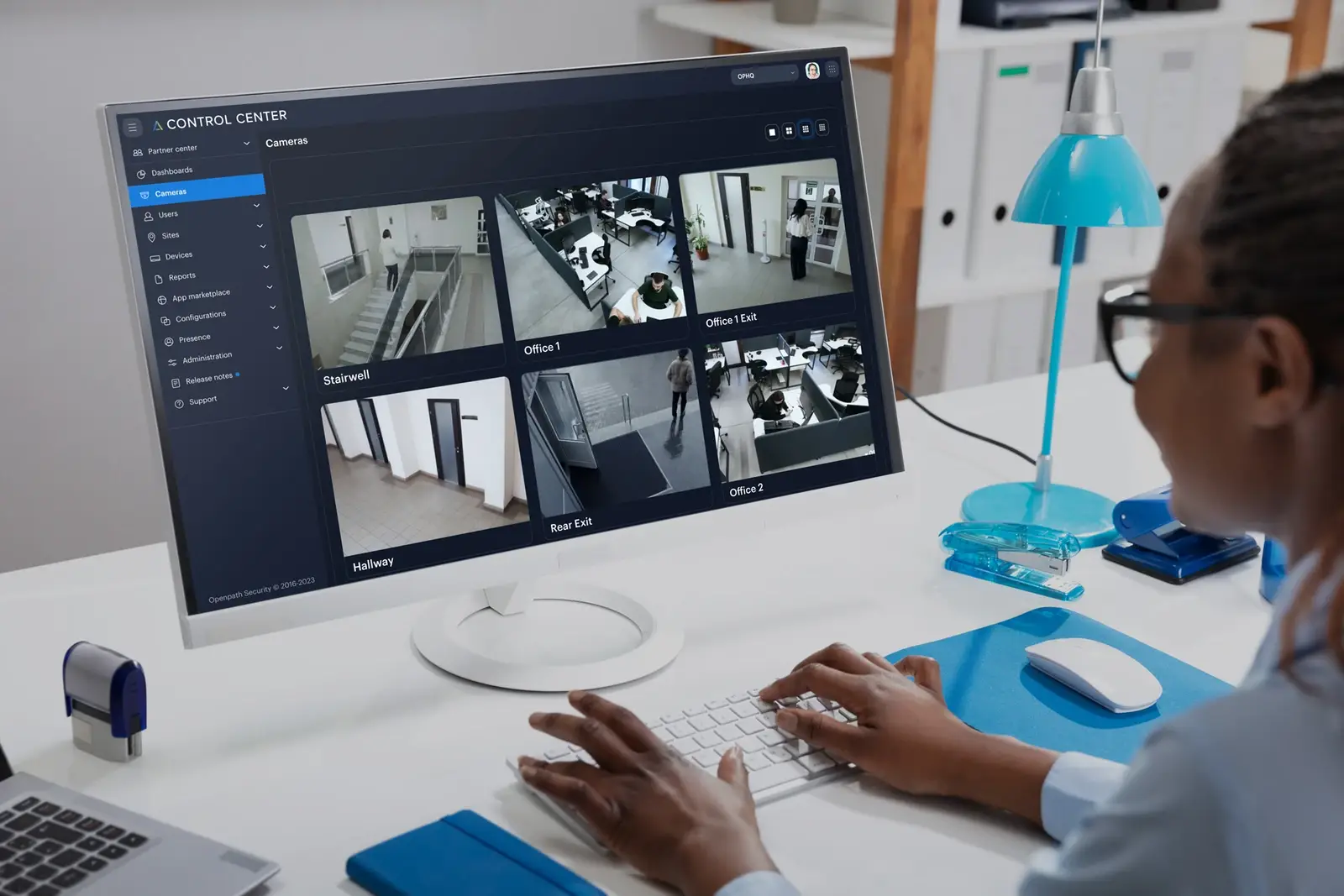
Alta Access is Avigilon’s cloud-based access control system. Avigilon describes it as delivering
secure, scalable cloud-based access control, with doors, users and sites managed remotely. The
platform emphasises 24/7 control, streamlined security workflows and a security-by-design approach
to the cloud service itself.
The Alta access hardware range includes smart readers,
controllers, boards and hubs, wireless locks and
access credentials. Alta Access also sits alongside other Alta components such as
Alta Video and Alta Mailroom, and Avigilon positions the platform as open for cloud access
integrations.
Where Alta Access fits
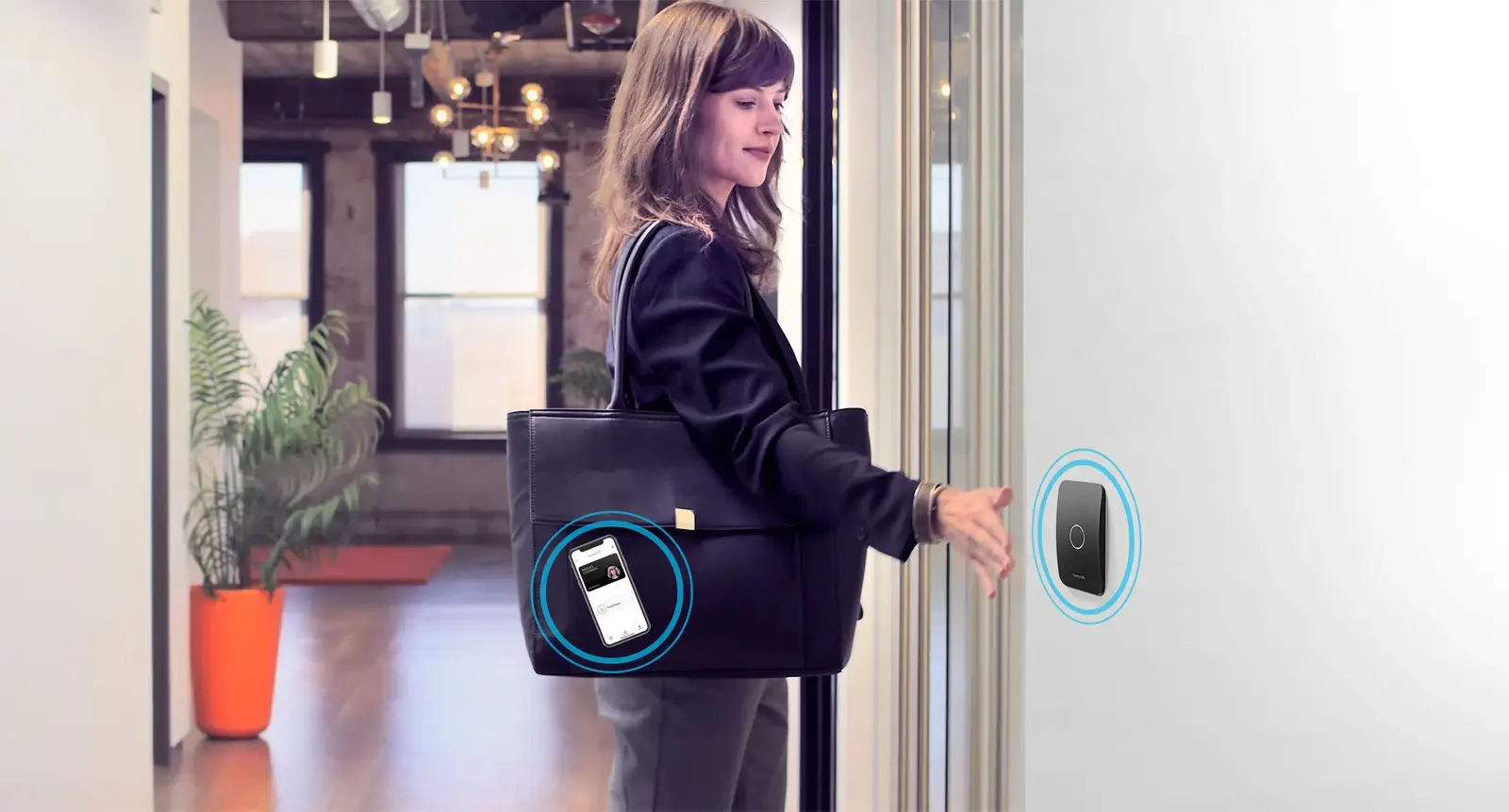
Alta Access is generally the stronger fit when:
- Doors and users need to be administered centrally across multiple properties
- Sites are numerous or small and lack dedicated on-site IT support
- New locations are added regularly and must be brought online quickly
- The organisation wants to reduce on-premise server infrastructure
- Mobile-oriented credential workflows are a priority
- Alta Video is in use or planned for the same estate
Mobile credentials and modern access workflows
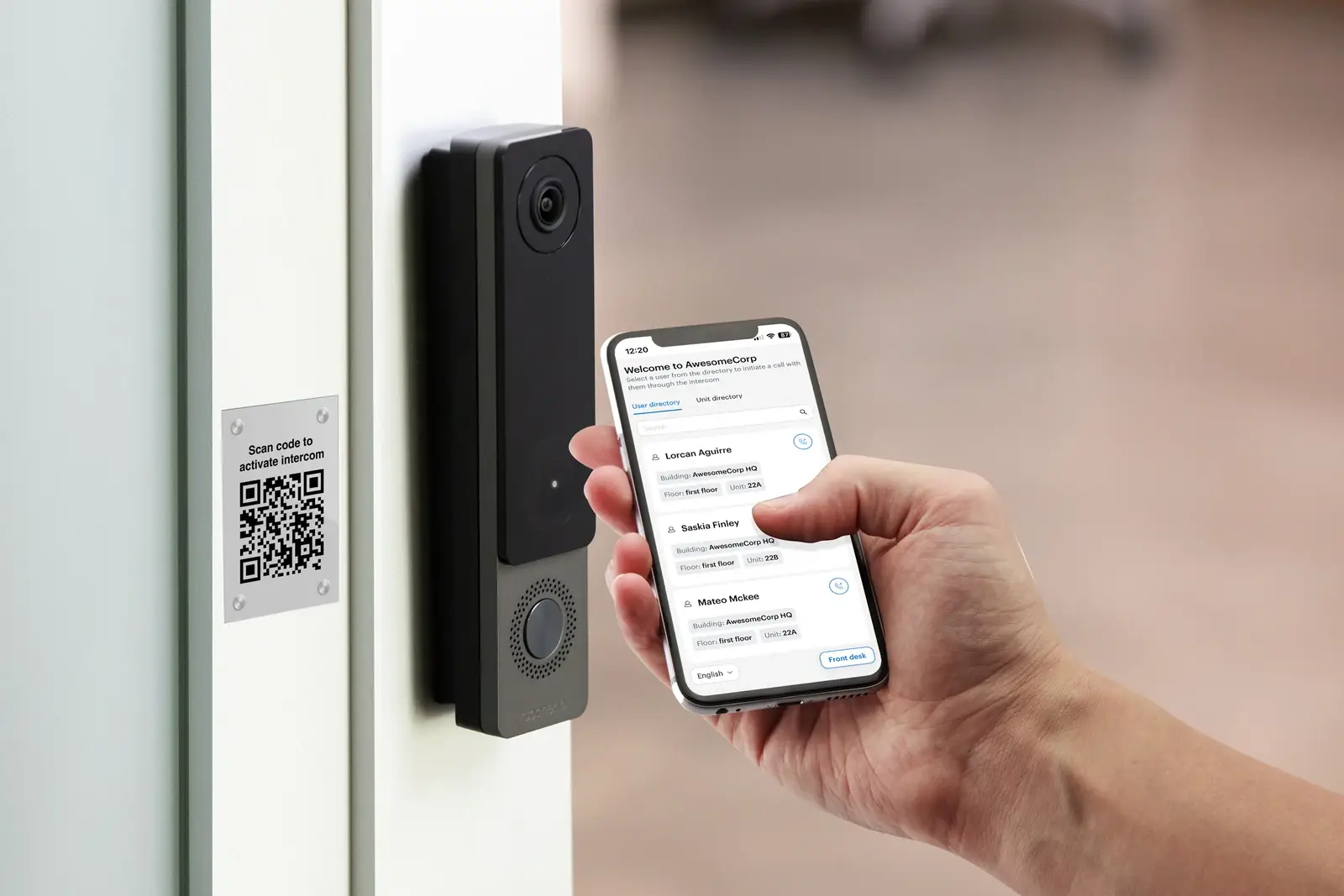
Credential strategy deserves its own conversation. Avigilon’s access control range covers a wide
range of entry methods and credential types across both platforms, and mobile credentials are a
significant part of the modern picture.
What matters operationally is less the credential technology itself and more the process around
it: who requests access, who authorises it, how quickly a credential can be revoked when someone
leaves, and how contractors and visitors are handled differently from permanent staff. A platform
change is a good moment to review those processes — but the system should reflect your policies
rather than replace them.
Two questions tend to expose whether a credential strategy is actually working. First, how long
does it take to revoke access for someone who left this morning? Second, can you produce a current
list of who holds access to a given restricted area? If either answer is uncomfortable, that is a
process issue rather than a hardware one — and it will follow you onto whichever platform you
choose.
Mixed credential estates are also common and perfectly workable during a transition. Many
organisations run existing physical credentials alongside newer mobile ones while they migrate,
which is worth planning deliberately rather than discovering halfway through a rollout.
Video and access-control integration
Integrating video with access control lets a door event be reviewed with relevant visual context
rather than correlating two systems by timestamp. Avigilon documents Unity Video integration on the
Unity side, and Alta Access sits alongside Alta Video within the cloud portfolio.
This is a common reason organisations end up aligning their video and access choices — though it
is not an absolute requirement, and mixed estates do exist. If integration matters to you, confirm
the specific interface, versions and licensing for the actual products involved. ACG’s
Avigilon video management page covers
the video side of that decision.
Existing infrastructure considerations
Access control is rarely a clean-sheet project. Before choosing a platform, it is worth
establishing:
- How many doors are in scope, and what hardware is on them today
- What controllers and panels are installed, and their condition
- Which credentials are currently in use, and how many are issued
- What cabling exists at each door, and whether it can be reused
- Which doors genuinely need to be controlled versus monitored
- How wireless locks might serve doors where cabling is impractical
An honest inventory frequently reshapes the plan. It may support a phased approach, where some
doors migrate and others are addressed later. ACG’s general
commercial access control service covers this
assessment work across manufacturers.
Phased migration is usually the realistic path
Replacing every door at once is rarely necessary or affordable. A more common pattern is to
start with the doors that carry the most risk or the most administrative effort — main entrances,
server rooms, restricted storage — and extend from there as budget and operations allow.
Phasing does introduce a period where two systems coexist, so it is worth agreeing up front who
administers what during that window, how credentials are issued in the interim, and what the end
state looks like. Different industries approach that sequencing differently; ACG’s
Avigilon solutions by industry pages cover
requirements that are specific to particular environments.
Cloud vs. on-premise is not simply a feature comparison
It is tempting to reduce this to a checklist, but the decision is really about operating model.
Cloud shifts responsibility for infrastructure and updates to the service, in exchange for a
dependency on connectivity and an ongoing subscription relationship. On-premise keeps control and
data local, in exchange for owning the servers, the upgrades and the lifecycle.
Both are legitimate. The organisations that make this decision well usually start from
non-technical questions: who is accountable for access administration, what happens during a
network outage, what the IT strategy says about hosted services, and how the estate is expected to
change over the next few years.
It is also worth noting that this is not always an either/or across a whole portfolio. Larger
organisations sometimes run on-premise at major sites and cloud at smaller ones. That should be a
deliberate decision with clear administrative boundaries, not an accident of procurement.
Questions ACG evaluates before choosing
- How many doors, at how many sites, and is the estate growing?
- Who administers access day to day, and from where?
- What existing door hardware, controllers and credentials are in place?
- Does anything in the organisation’s IT policy govern hosted services?
- What must continue working if a site loses its network connection?
- Is video integration required now or later?
- How are contractors, vendors and visitors handled?
- Who approves and revokes access, and how quickly must that take effect?
These questions produce a better recommendation than a feature-by-feature comparison, because
they describe how the system will be operated once the installation is finished.
Plan your access control around how the site operates
Share the number of doors, the sites involved, your existing hardware and how your team expects
to administer access. ACG Security Solutions can help you evaluate Unity Access and Alta Access
against those requirements and design the deployment around them. You can also explore the wider
Avigilon security solutions range.
Schedule an access control consultation
MOTOROLA, MOTO, MOTOROLA SOLUTIONS and the Stylized M Logo are trademarks or registered
trademarks of Motorola Trademark Holdings, LLC and are used under license. All other trademarks are
the property of their respective owners.
Comments are closed for this article!