INTELLIGENT VIDEO REVIEW
Commercial Video Analytics Systems
Commercial video analytics helps organizations work with surveillance video more efficiently by evaluating configured camera scenes and directing attention toward activity, conditions or search criteria supported by the selected platform.
ACG Security Solutions helps businesses and enterprise facilities evaluate analytics as part of a broader commercial video-surveillance design. That includes camera placement, image quality, recording, retention, search, user permissions and the way security or operations teams respond when the system surfaces relevant video.
Analytics is not a substitute for useful camera imagery. A poorly positioned camera, obstructed view, unsuitable lighting or overly complex scene still gives the software weak information to analyze. The strongest results begin with a defined objective and a camera view designed around it.
Commercial video-analytics planning for organizations in Georgia, the Southeast and qualifying projects nationwide.
What is commercial video analytics?
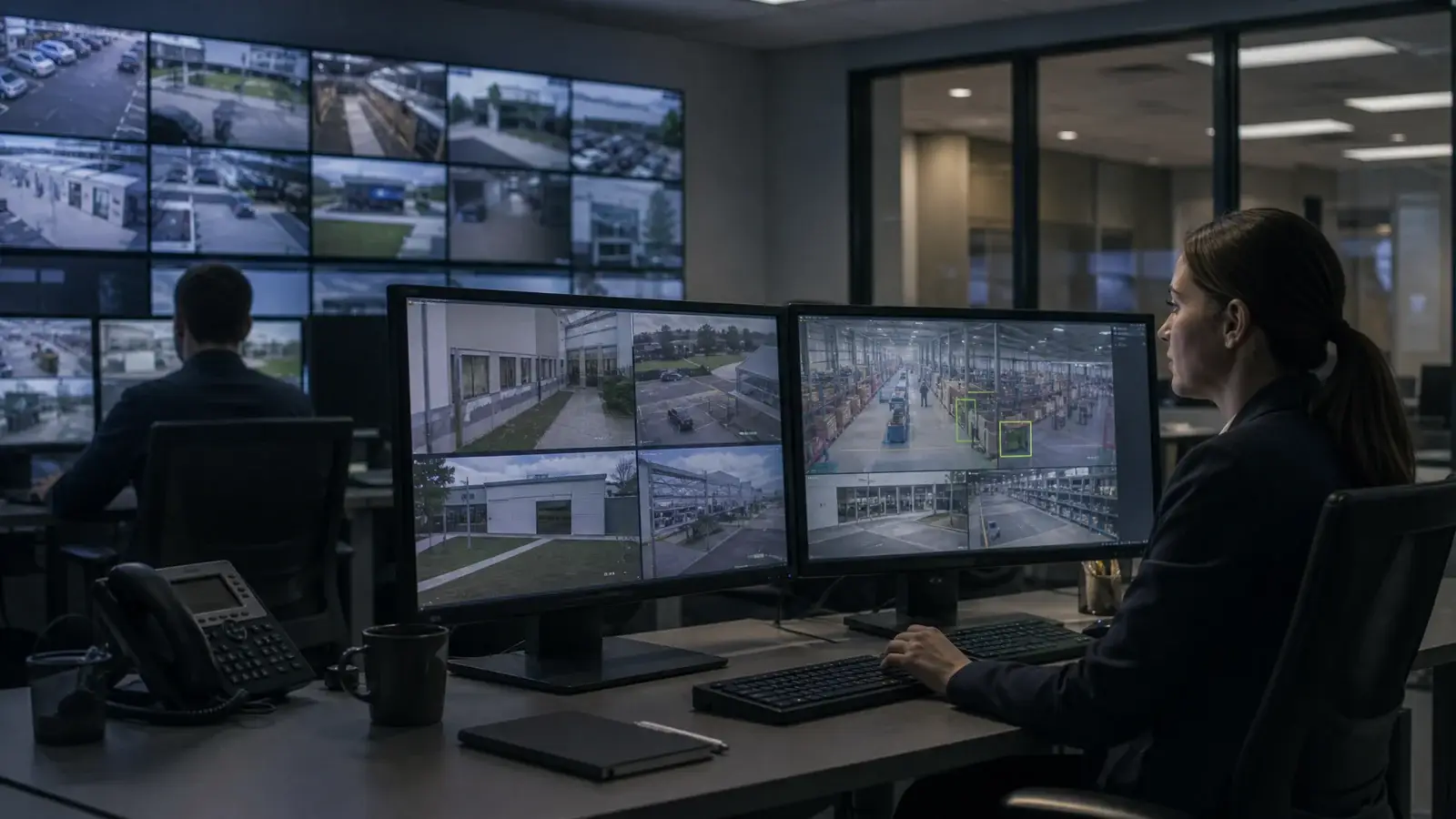
Commercial video analytics uses software to evaluate surveillance-camera imagery for configured activity, conditions or supported search criteria. Depending on the platform, analytics may operate on live video, recorded footage or both.
Instead of requiring a user to watch every camera continuously or manually scan long periods of recorded video, compatible analytics can help focus attention on events that match defined rules or narrow the amount of footage that requires direct review.
The exact capabilities vary by product and architecture. Some systems focus on event rules, some support search and review functions, and some combine multiple approaches. ACG does not assume that every platform provides the same functions.
The design should begin with the security question: what activity matters, what camera view is required, what should the system surface, and what will an authorized user do with the information? Learn more about the underlying commercial video surveillance system or read the educational guide to how video analytics works for commercial security.
Where video analytics can support commercial security
Analytics can support several commercial surveillance workflows when the camera scene and platform are appropriate for the intended task.
Perimeter activity
Analytics may help focus attention on configured activity within selected exterior camera scenes. The useful result depends on the area being defined, camera position, scene complexity and the way ordinary movement such as vegetation or traffic affects the view.
Parking and vehicle areas
Commercial parking lots and vehicle approaches can generate large amounts of video. Compatible analytics may help users focus on selected areas, event types or recorded activity when the scene provides sufficient detail for the intended workflow.
Warehouses and logistics
Loading areas, trailer yards and vehicle circulation zones can create complex operating scenes. Analytics may support review or awareness around defined portions of a warehouse and logistics security system when cameras are positioned for those objectives.
Construction sites
Commercial jobsites change as fencing, materials, equipment and access points move. Analytics may support selected camera scenes within a construction site security system, but the configuration should be reviewed as the project evolves.
Building entrances
Entrances can provide more controlled camera scenes than broad exterior areas. Analytics may complement ordinary recording where the organization has a clear objective for activity around a door, lobby or controlled approach.
Recorded investigations
Some analytics platforms can help users narrow or search recorded video according to supported criteria. That can reduce the amount of footage requiring manual review, but exact search functions should be confirmed for the selected system.
Camera placement still determines what analytics can see
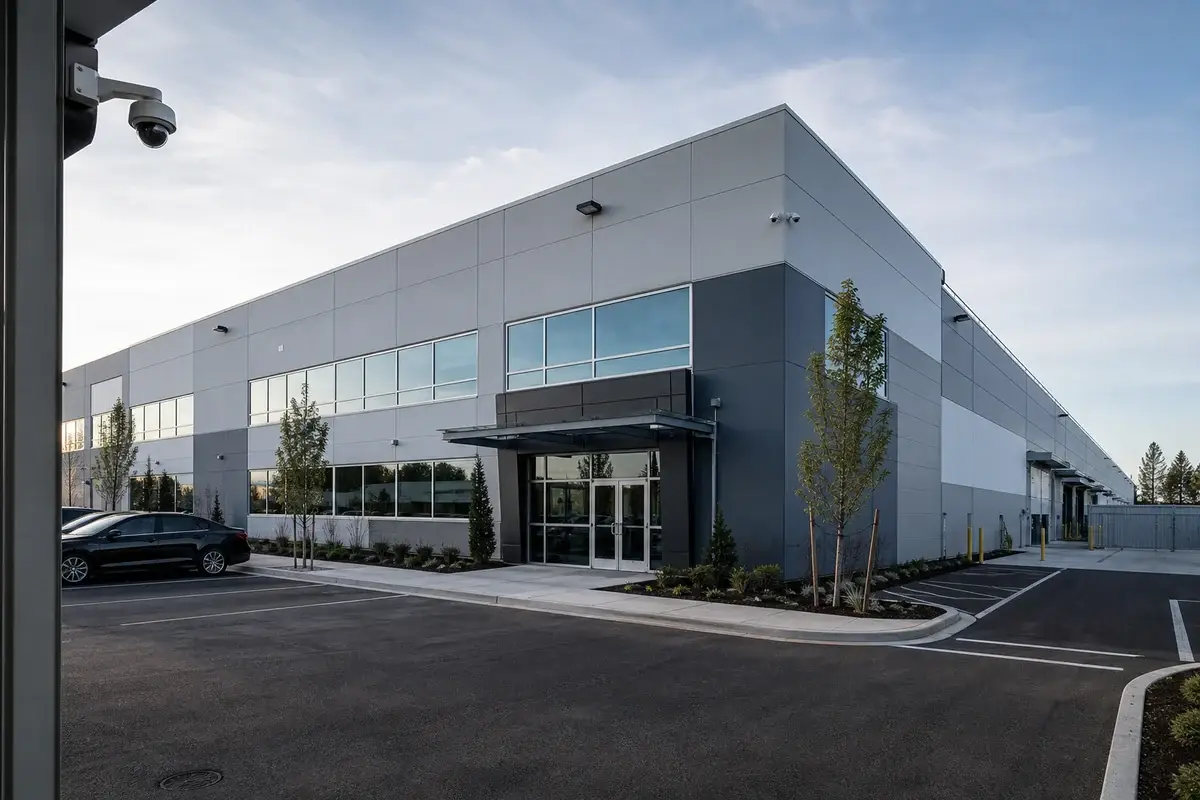
Analytics begins with the camera image. If the scene does not contain useful information, the software cannot create detail that was never captured.
Distance, viewing angle, mounting height, lighting, focus, obstructions and environmental movement all affect what the camera can show. A wide overview may be valuable for situational awareness while still being unsuitable for a more specific analytic objective.
Resolution alone does not correct every scene-design problem. A high-resolution camera mounted too far away or aimed through heavy glare can still provide poor input for analytics.
ACG evaluates the required camera view before relying on analytic rules or search tools. That approach helps align the software with what the scene can realistically support.
Analytics can make recorded video easier to review
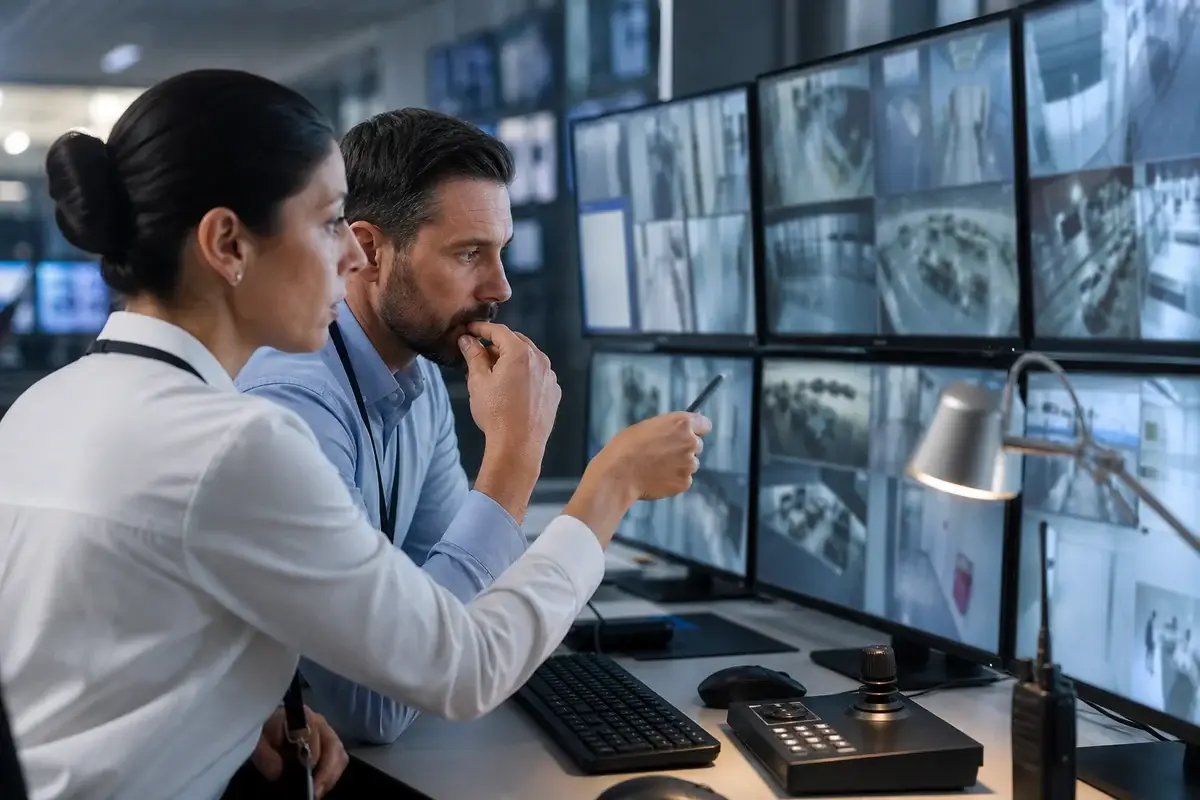
Commercial surveillance systems can accumulate substantial amounts of recorded video. When an incident or operational question arises, manually reviewing long periods from multiple cameras can consume significant time.
Compatible analytics may help authorized users narrow the review to video that matches selected criteria, time ranges, areas or event types supported by the platform. The exact search experience varies and should be verified before the system is specified.
Search tools do not replace retention planning or user permissions. The recording system still needs appropriate storage, access controls, export procedures and an understanding of how long footage should be retained.
ACG evaluates analytics, recording and review as one workflow so the system does more than generate events; it also supports the way authorized users investigate and use the resulting video.
For multi-site organizations, the review process should also define whether users need a consistent search experience across locations or whether each property will retain its own operating rules. Centralized access can be useful, but permissions, network design and the supported architecture should be confirmed before a multi-site workflow is promised.
Video analytics alongside thermal and conventional surveillance
Analytics can be used with different types of surveillance imagery when the selected camera and platform support the intended application.
Conventional cameras provide visible-light imagery that may show ordinary scene detail such as color, clothing, vehicles and environmental context. Commercial thermal imaging provides heat-based imagery that may be useful in selected low-light or difficult exterior conditions.
Analytics can evaluate compatible camera scenes according to configured rules or supported search functions. The type of camera still matters because each image source contributes different information.
The right design may use conventional video, thermal imagery, analytics or a combination. ACG evaluates the surveillance objective first, then determines what technology can support the required scene and workflow.
Alerts, users and response workflows
An analytic event is only useful when the organization has defined who should receive or review it and what action, if any, follows.
Before deployment, ACG clarifies:
- Which camera scenes should use analytics and which should remain standard recorded views.
- What activity, condition or search objective the organization wants the system to support.
- Who should receive, review or administer analytic events and recorded-search functions.
- Whether analytics supports live awareness, recorded investigation or both.
- How unhelpful or nuisance events should be reviewed and configuration adjusted.
- What network, recording, storage and user-permission infrastructure supports the workflow.
These decisions help prevent analytics from becoming a collection of alerts without a clear operating purpose.
How ACG approaches a commercial video analytics project
1. Define the security or operational question
Identify the activity, condition or review problem the organization wants analytics to help address. The objective should be specific enough to evaluate whether a supported analytic function fits.
2. Review the camera scene
Evaluate placement, image quality, distance, lighting, obstructions, environmental movement and the way the scene changes during normal operations.
3. Select supported analytics
Match the required event, rule or search workflow to capabilities verified on the selected camera, recording platform or video-management system.
4. Configure and test
Apply the approved settings, verify the camera imagery and review how the analytics behave in the real operating environment before relying on the workflow.
5. Tune and review
Adjust configuration when site conditions, traffic patterns, vegetation, lighting or other scene behavior produces unhelpful results or when the organization’s objectives change.
Video analytics vs. manual video review
Analytics can assist a surveillance workflow, while human review remains important for interpretation, judgment and response. The two approaches are complementary rather than interchangeable.
A well-designed system uses analytics to make relevant video easier to find or notice while preserving human review where context and judgment are required.
| Decision factor | Video analytics | Manual video review |
|---|---|---|
| Event focus | Can help surface activity that matches configured rules. | A user watches or reviews camera scenes directly. |
| Recorded search | May help narrow recorded footage using supported criteria. | Requires more direct browsing of footage and time ranges. |
| Consistency | Applies configured logic to compatible scenes. | Depends on human attention, judgment and review procedure. |
| Configuration | Requires suitable camera imagery and analytic setup. | Does not require analytic rules but still depends on usable video. |
| Best use | Supporting defined event-awareness or video-search workflows. | Interpreting context, investigating details and making response decisions. |
What video analytics cannot solve
Analytics cannot make a badly positioned camera useful simply through software. It cannot recover detail that was never captured or remove every environmental challenge from a camera scene.
It cannot guarantee that every relevant event will be detected, that every alert will be useful or that the system will prevent an incident. Performance varies with the camera, scene, platform, rule and operating conditions.
Analytics also does not determine how the organization should respond. A surfaced event still needs an appropriate user, procedure or investigation workflow.
Realistic expectations are part of good system design. ACG defines what the analytics should support, tests the actual scene and adjusts the configuration rather than promising universal performance.
Why organizations work with ACG on video analytics
Analytics sits between the camera scene, recording platform, network and the people who use the video. Treating the software as an isolated add-on can leave important workflow and image-quality questions unresolved.
ACG Security Solutions works across commercial video surveillance, analytics, thermal imaging, mobile solar security towers, structured cabling and related systems. That broader capability helps the team evaluate the complete video environment.
The objective is not to activate every available rule. It is to select supported analytics that help the organization answer a defined question or review video more efficiently.
- Commercial and enterprise video focus
- Requirements-first analytics planning
- Camera placement and scene evaluation
- Thermal and conventional camera integration
- Recording, search and user-workflow considerations
Commercial video analytics FAQs
Video analytics uses software to evaluate surveillance-camera imagery for configured activity, conditions or supported search criteria.
No. Analytics can help focus attention or organize video information, but human review, judgment and response procedures may still be required.
Yes. Viewing angle, distance, lighting, image quality, obstructions and scene complexity can all affect the usefulness of analytics.
It can be used in exterior environments, but weather, lighting, vegetation, traffic and other scene movement should be considered during camera placement and configuration.
Some compatible platforms may support analytics with thermal imagery. The selected camera and analytics system should be verified for the intended application.
Some platforms provide analytic or AI-assisted search tools that may help authorized users narrow recorded footage. Exact capabilities depend on the selected system.
Depending on the camera, connectivity and platform configuration, mobile security towers may support video analytics as part of the surveillance design.
Contact ACG Security Solutions with information about the property, current camera system, scenes being evaluated and the activity or review workflow the organization wants analytics to support.
Plan video analytics around the surveillance objective
Tell ACG what cameras or recording platform you already have, which scenes matter and what activity or review problem you want analytics to help address. The team can evaluate whether camera placement, recording and supported analytics fit the requirement.