AVIGILON FOR LOGISTICS & PARKING
Avigilon Security for Logistics & Parking
Logistics properties and parking environments combine people, vehicles, loading activity and large exterior areas. Security planning often needs to account for building entrances, loading zones, vehicle lanes, gates, parking areas and recorded-video review across a property that operates differently from a traditional office.
ACG Security Solutions helps organizations apply Avigilon video security, license plate recognition, access control and video management to these commercial environments. The objective is not to install every available technology. It is to determine which vehicle, video and access workflows actually support the operation.
Operational environment
Security planning for properties built around movement
A warehouse or distribution property can have multiple types of activity happening at once: employee access, visitor arrivals, truck traffic, loading operations, parked vehicles and movement around the exterior perimeter.
The security design should identify where an event starts, which camera or system provides useful context and how the organization expects staff to review it afterward.
Typical planning areas can include:
- Main vehicle entrances
- Truck gates and staging lanes
- Employee and visitor parking
- Loading docks
- Trailer yards
- Building entrances
- Exterior perimeters
- Interior warehouse approaches
- Remote or changing areas where permanent infrastructure is limited
For the broader security-system architecture beyond Avigilon, see ACG’s warehouse and logistics security systems.
Video security
Video security across yards, docks and parking areas
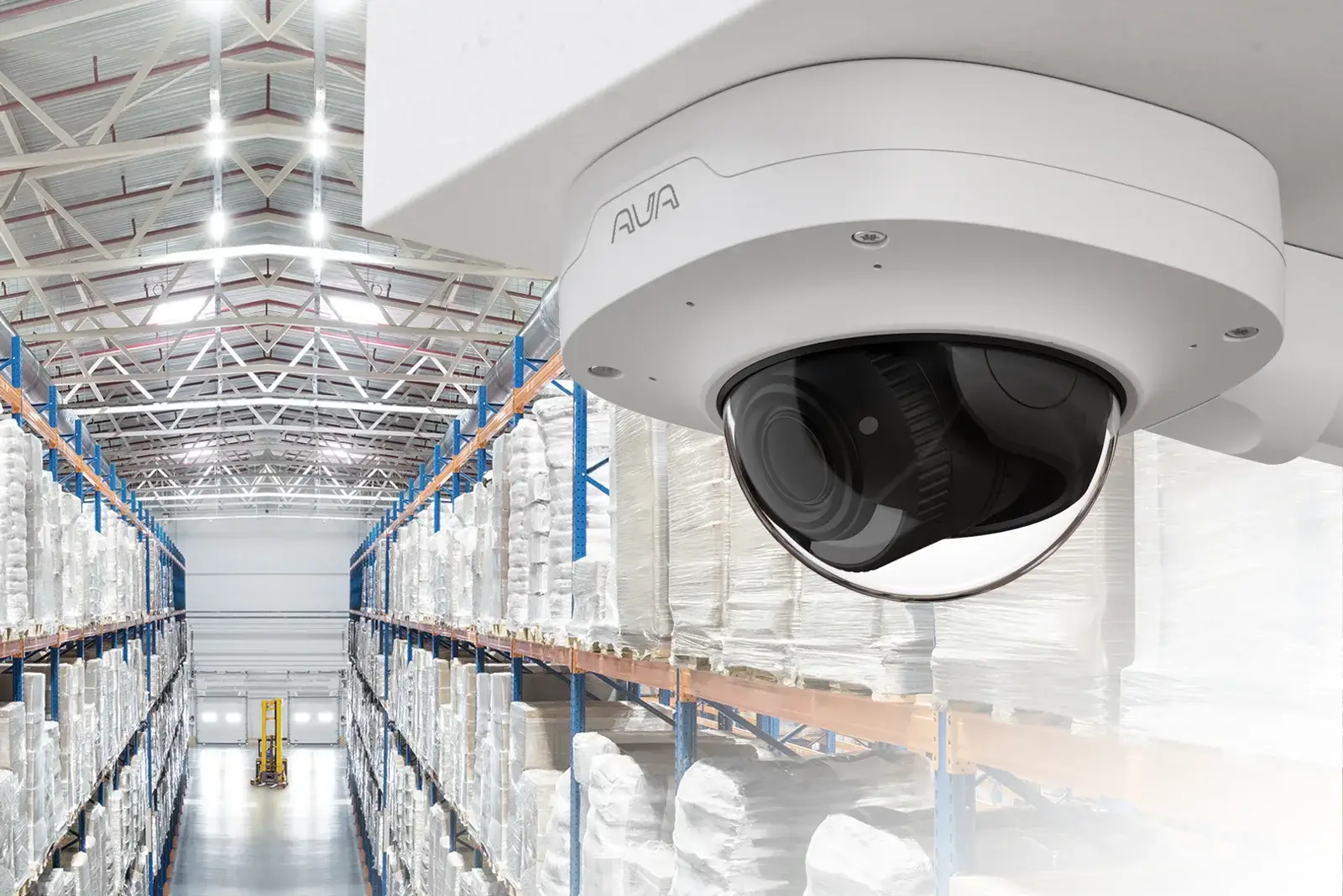
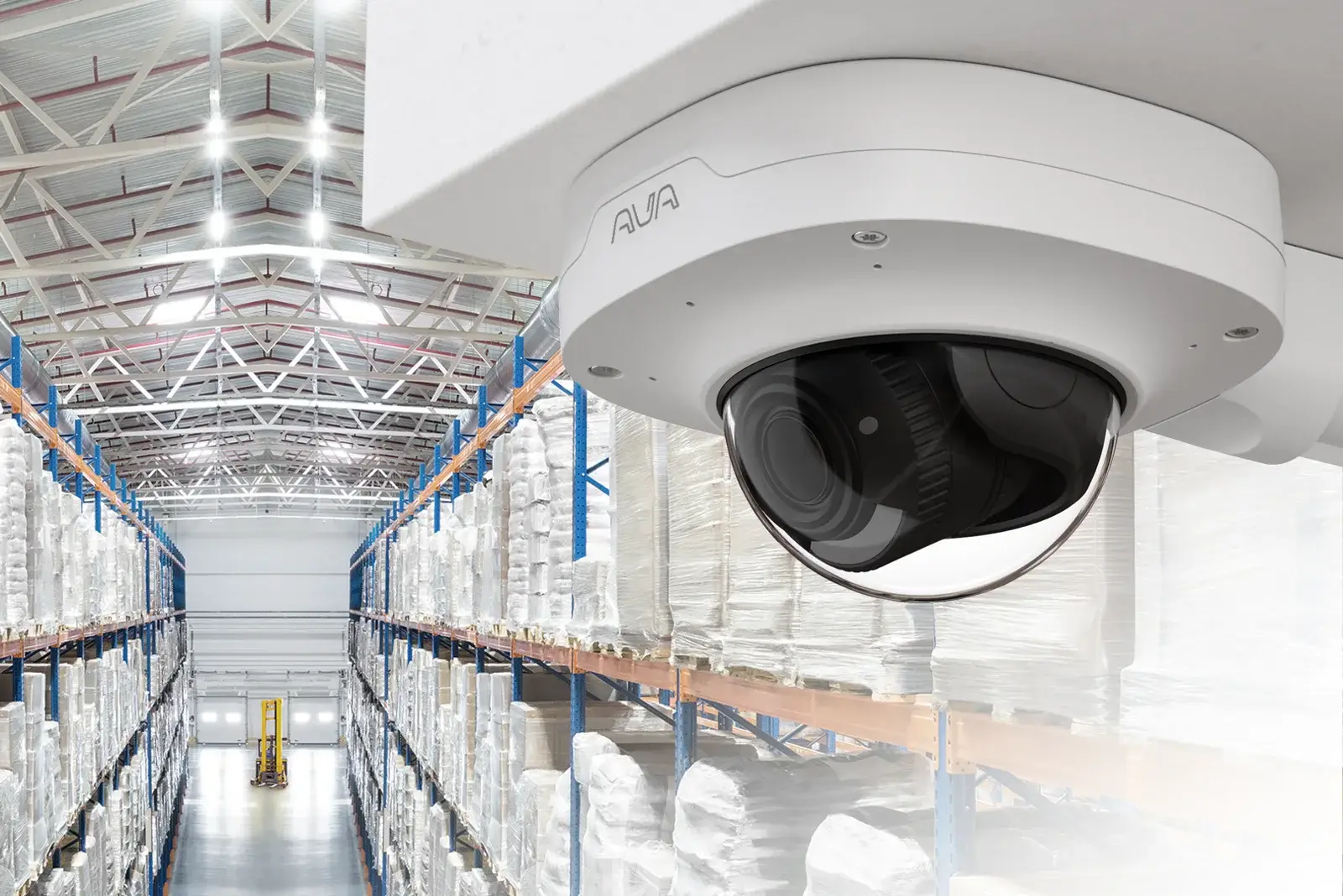
Large commercial properties often require several camera types rather than one universal camera.
Fixed dome cameras may fit protected entrances or interior locations. Bullet cameras can provide directional exterior views. PTZ cameras can support operator-controlled observation across larger areas. Other camera families may be appropriate depending on scene distance, lighting and operational requirements.
The camera decision should be tied to the question the organization needs the video to answer.
Explore Avigilon Video Cameras
Vehicle workflows
License plate recognition for vehicle workflows
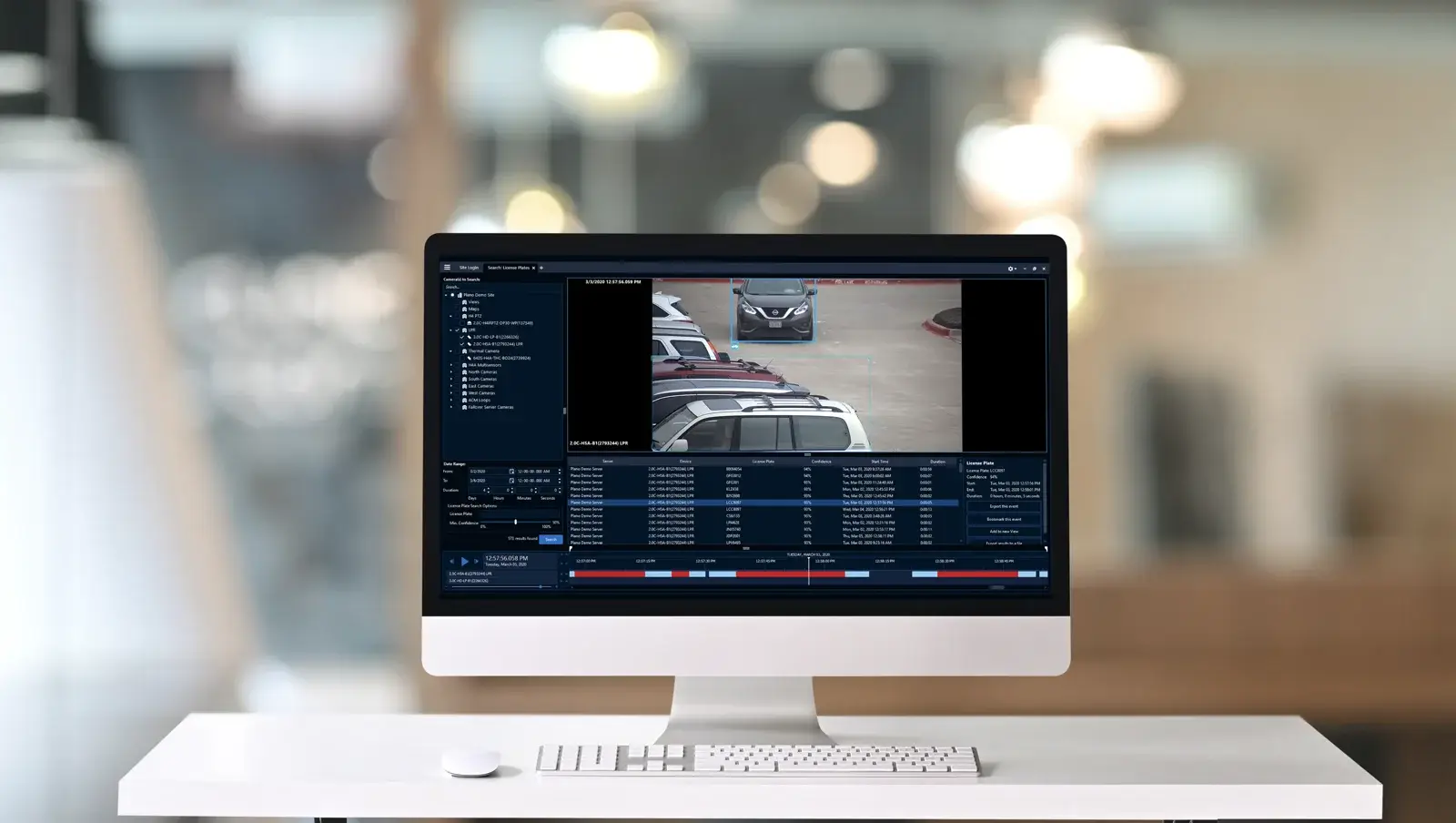
Avigilon LPR can support vehicle capture and review at locations where plate information is useful to the organization’s security or parking workflow.
ACG evaluates lane geometry, vehicle speed, capture distance, lighting, mounting position, connectivity and how the plate data will be used before selecting an LPR approach.
L6A for permanent LPR locations
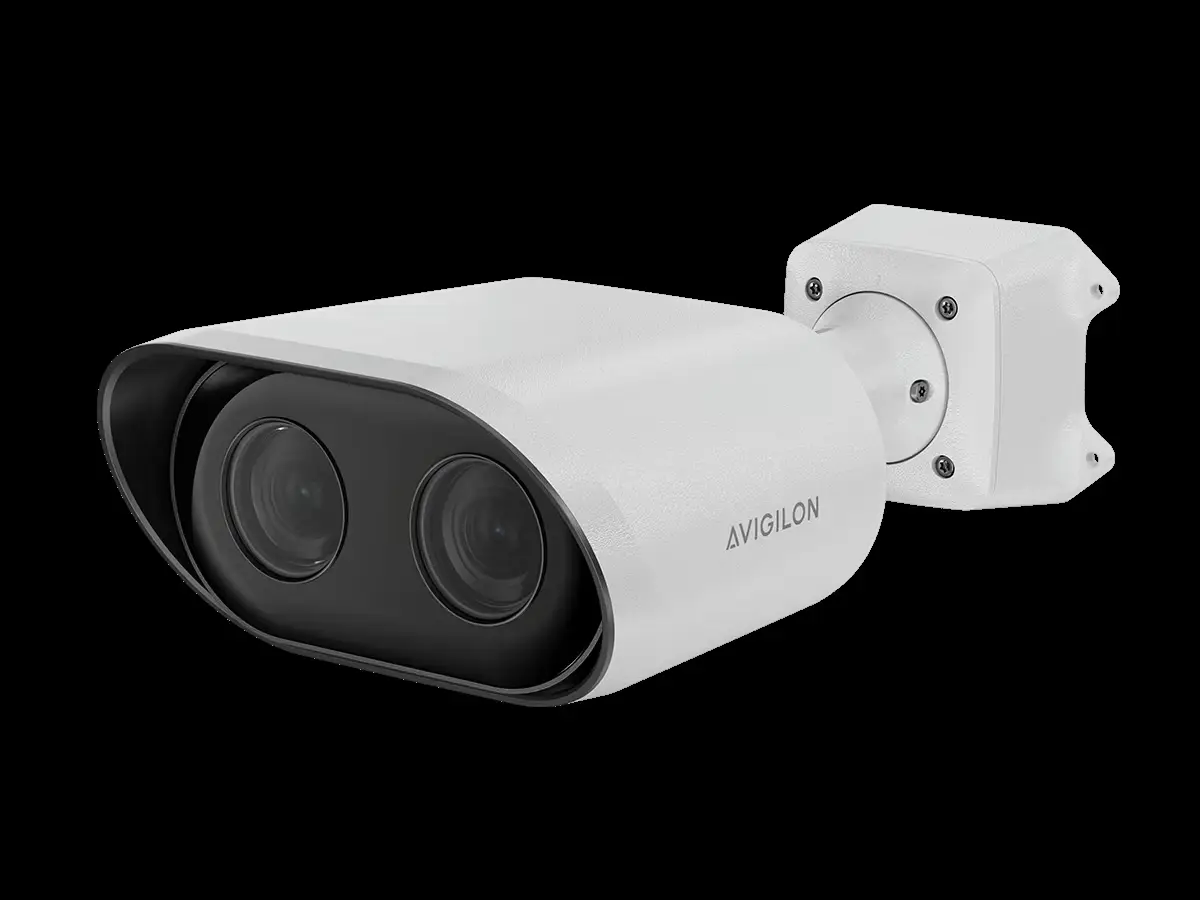
The Avigilon L6A Enterprise LPR Camera is designed for permanent wired LPR deployments within supported Unity environments.
Avigilon Unity L6A Marketing Video
L6Q for quick-deploy LPR
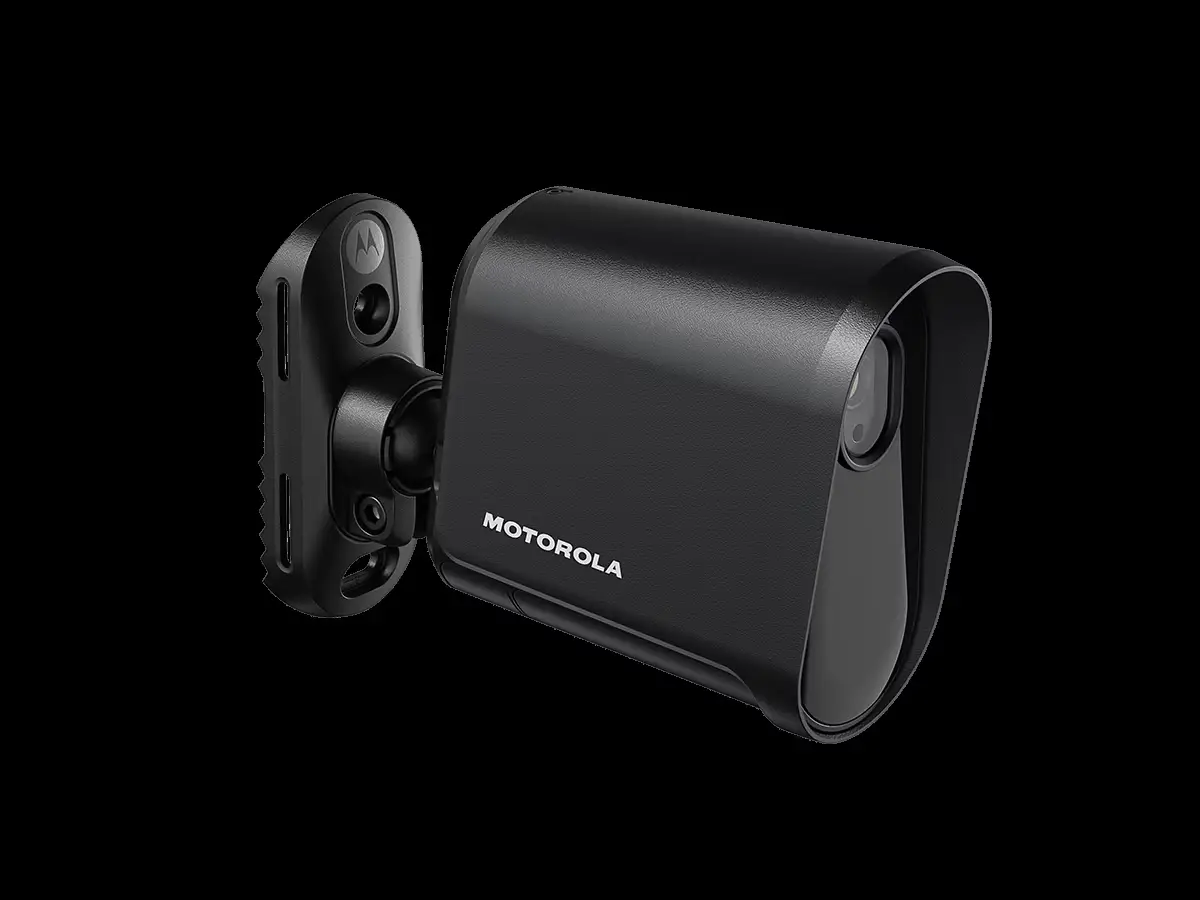
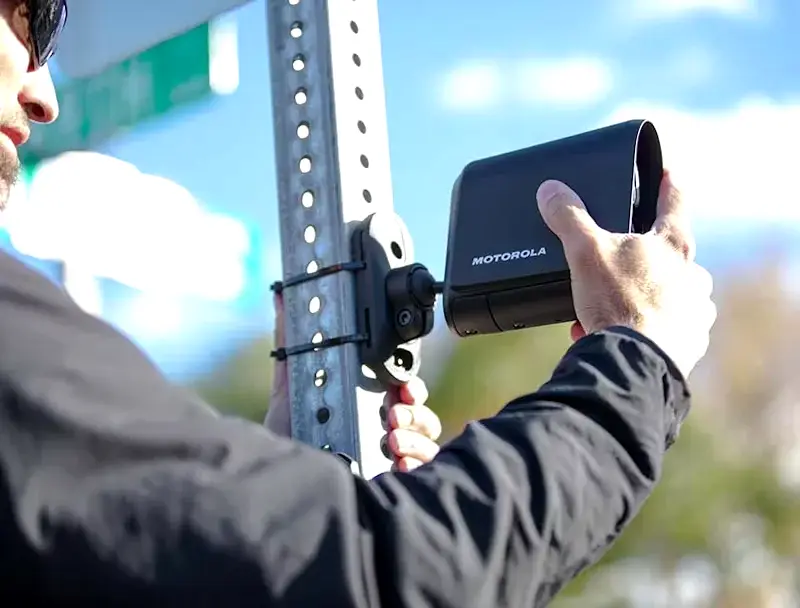
The Avigilon L6Q Quick-Deploy LPR Camera System supports flexible power and LTE connectivity for locations where a permanent wired deployment is not the best fit.
The L6A and L6Q are not interchangeable. Selection should follow the deployment environment and current official product documentation.
Integrated vehicle entry
LPR, gates and access control solve different parts of the problem
A license plate reader captures vehicle information. A gate operator moves the physical gate. Access control determines authorization through credentials and control logic. Video provides visual context.
For facilities with controlled vehicle entrances, ACG can coordinate Avigilon video/LPR planning with broader commercial gate operator and access-control requirements where appropriate.
Access control
Access control for buildings and restricted areas
Logistics properties may have employee doors, offices, server/IT spaces, receiving areas and other locations where access needs to be managed separately from vehicle movement.
Avigilon Unity Access and Alta Access provide different approaches to managing doors, credentials and permissions.
Explore Avigilon Access Control
Video management
Video management connects the camera environment
Avigilon Unity Video can support on-premise video-management environments. Avigilon Alta Video provides a cloud-based management approach. The choice affects recording architecture, remote access, administration and how the organization scales video across one or more locations.
Explore Avigilon Video Management.
Deployment comparison
Permanent vs. changing security requirements
| Requirement | Permanent infrastructure | Changing / temporary requirement |
|---|---|---|
| Fixed camera coverage | Installed cameras with planned network/power | Temporary/mobile surveillance may be appropriate |
| LPR | L6A may fit established wired lanes | L6Q may fit supported quick-deploy scenarios |
| Video management | Unity or Alta based on architecture | Depends on camera/network/deployment design |
| Gate control | Permanent commercial operator/access design | Evaluate whether a physical gate is part of the temporary requirement |
| Network | Structured pathways can support fixed systems | LTE or other supported connectivity may reduce infrastructure dependency in specific products |
ACG process
How ACG scopes a logistics or parking deployment
1. Map people and vehicle movement
Identify truck lanes, employee parking, visitor traffic, loading areas, building doors and exterior areas that matter.
2. Define the event or information requirement
Determine whether the system needs visual review, plate capture, access authorization, perimeter awareness or a combination.
3. Review infrastructure
Evaluate mounting, power, cabling, network availability and current systems.
4. Match the Avigilon components
Select cameras, LPR, video management and access-control components around the confirmed use cases.
5. Test the operating workflow
Confirm that authorized users can view, search and act on the information the system is intended to provide.
Avigilon / Motorola Solutions customer story
Learn from an Avigilon commercial-property example
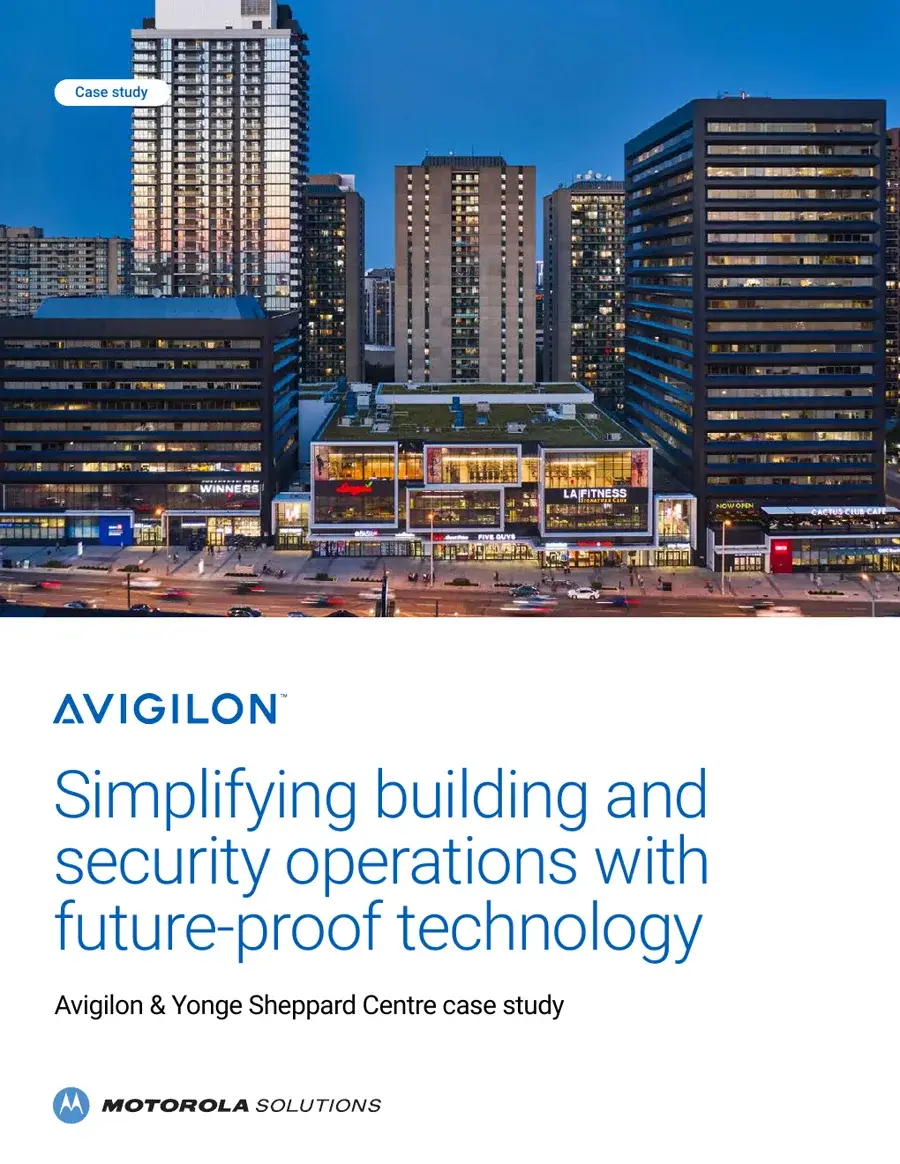
Avigilon’s Yonge Sheppard Centre customer story covers a mixed commercial environment involving commercial real estate, retail, multi-family and parking applications.
This is an Avigilon/Motorola Solutions customer story, not an ACG Security Solutions project reference.
Link to the official Avigilon customer-story source unless ACG separately verifies republication rights.
Plan the system around the property
ACG Security Solutions can review the property and help determine which Avigilon technologies fit the requirement and where broader ACG services should support the design.
MOTOROLA, MOTO, MOTOROLA SOLUTIONS and the Stylized M Logo are trademarks or registered trademarks of Motorola Trademark Holdings, LLC and are used under license. All other trademarks are the property of their respective owners.