AVIGILON VIDEO CAMERAS
Avigilon Bullet Cameras
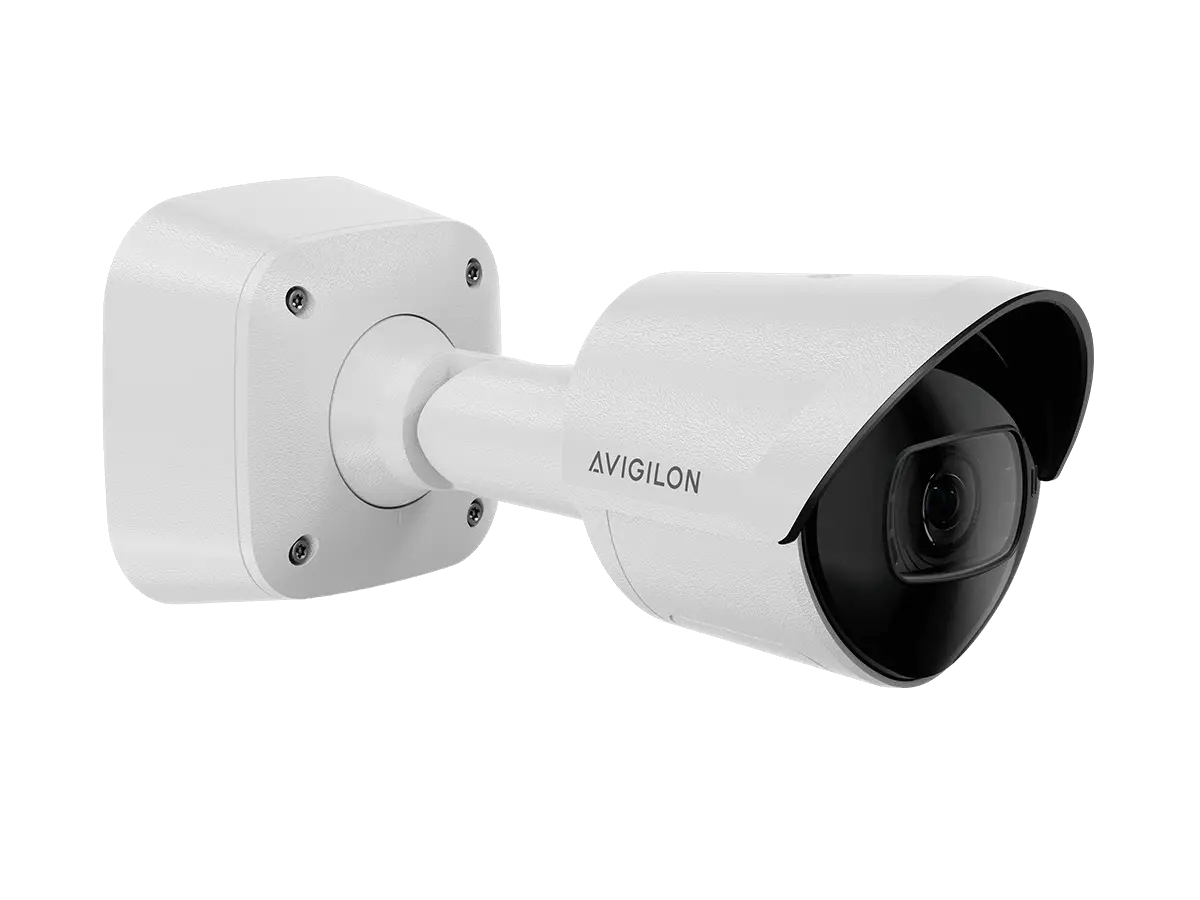
Avigilon bullet cameras provide a directional view for building approaches, loading areas, parking lanes and commercial perimeters. ACG Security Solutions helps you choose the camera, lens, mounting position and management platform around the detail your team needs to see—not simply the distance printed on a specification sheet.
The H6A and H6X Bullet families offer different platform and audio options. We review those differences alongside your existing infrastructure so a new camera fits the system that will record, display and manage its video.
Where directional coverage makes sense
A bullet camera is worth evaluating when a particular approach or movement path matters: vehicles entering a property, deliveries reaching a loading area, or people approaching an exterior entrance. Its value depends on choosing a useful view rather than trying to include the entire property in one image.
Consider the difference between seeing activity and capturing enough detail to review it. A broad overview can establish that someone entered an area; a more deliberate view may be needed to understand what happened at the entrance. ACG starts with that distinction when planning coverage.
Typical locations include:
- Exterior building approaches and service entrances
- Loading-dock approaches and receiving areas
- Parking lanes and vehicle circulation routes
- Commercial fence lines and property boundaries
- Long corridors or other directional interior scenes
- Areas where the camera and its mounting need to remain accessible for service
H6A Bullet: match the version to your platform
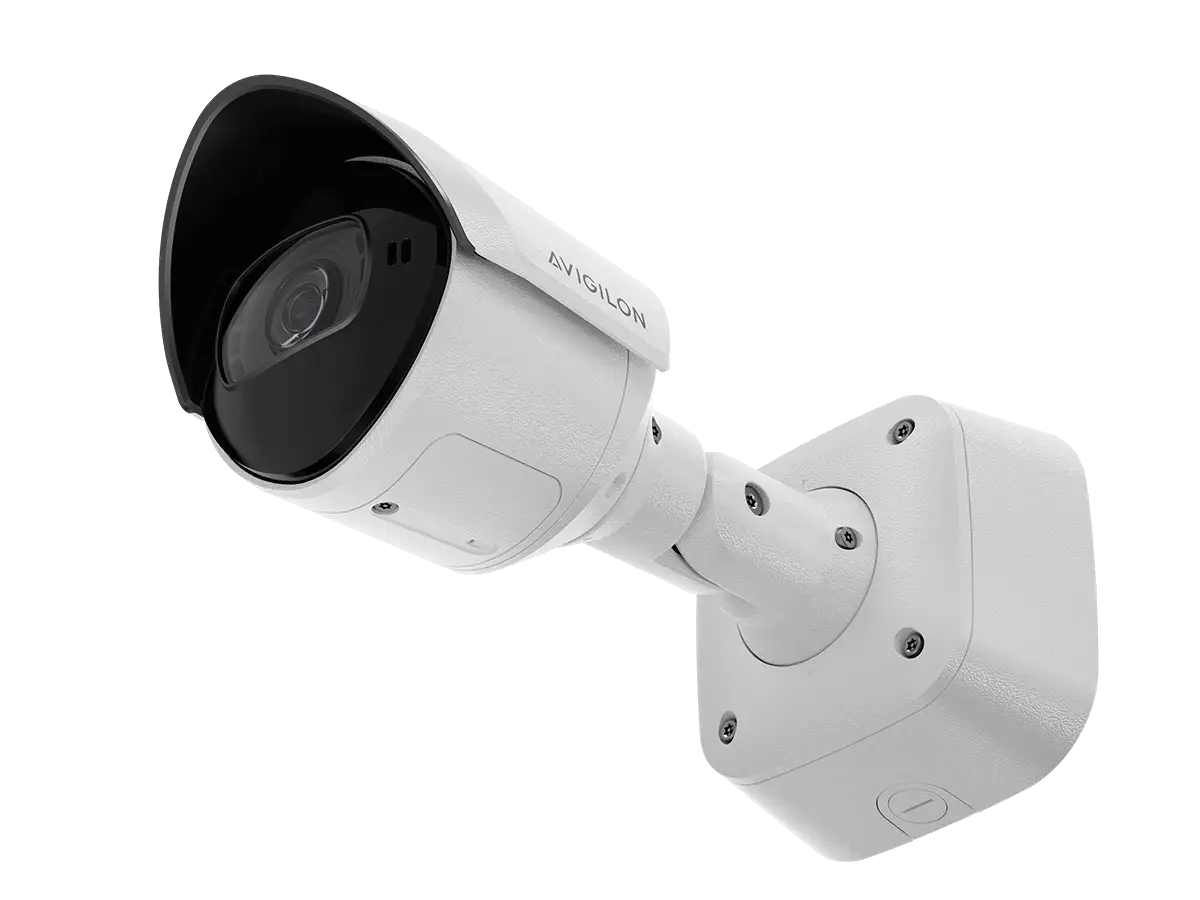
Avigilon currently offers H6A Bullet options for Unity and Alta environments. The manufacturer identifies video and audio analytics and built-in infrared illumination among the family’s capabilities. Exact features depend on the selected version and configuration.
That platform choice belongs early in the project. A similar-looking camera is not proof that it can be commissioned into either environment interchangeably. ACG confirms the product identifier and supporting documentation before specifying the device.
H6A selection questions
- Is the project using Unity Video or Alta Video?
- What part of the scene needs usable detail?
- Which lens and illumination options fit that scene?
- Is audio appropriate under the organization’s own policies?
- Which analytics and viewing functions need to be demonstrated?
H6X Bullet: a Unity option without a built-in microphone
Avigilon positions the H6X Bullet for Unity on-premise deployments and identifies the absence of a built-in microphone as a distinguishing feature. It remains a separate product choice, not a label to apply to an H6A photograph or specification.
Selecting a camera without an integrated microphone does not, by itself, resolve every privacy requirement. The organization still determines where cameras may be placed, who can access recordings and how the system is administered. ACG uses those project requirements to guide equipment selection.
H6X selection questions
- Does the site’s Unity environment support the selected camera?
- Does a no-built-in-microphone design fit the requirement?
- Which physical version and mounting accessories are needed?
- Can the chosen view support the intended review workflow?
- What existing network, recording and power infrastructure can be retained?
Plan the scene before choosing the lens
Define the required detail
Decide whether the view is intended for general observation, event review or a more specific identification task. These are different design objectives.
Check direction and obstruction
Review approaching and departing traffic, parked vehicles, vegetation and structures that can block the useful part of the view.
Review changing light
Inspect the scene in conditions relevant to the operation, including backlighting, artificial lighting and darker periods. An illumination specification alone does not describe the entire scene.
Place equipment for service
Consider how the camera and mount can be inspected and maintained without creating avoidable operational disruption.
Confirm the review process
Identify who will use the footage and what they need to retrieve. That decision connects camera placement to recording, access permissions and software.
Connect the camera to the management system
A camera purchase should fit the organization’s chosen video-management architecture. The H6A family includes Unity and Alta options; the H6X is positioned for Unity. ACG verifies the exact variant rather than assuming cross-platform compatibility.
Our Avigilon Video Management page explains the broader platform decision. The commercial video surveillance service covers complete system planning beyond a single manufacturer or camera category.
For an existing installation, bring the current camera inventory and software information to the discussion. A staged upgrade may be more appropriate than treating every device as a replacement candidate.
Compare camera roles, not just housings
| Camera role | Useful starting point | Question to resolve |
|---|---|---|
| Bullet | Directional coverage of a defined approach | Is the selected field of view useful throughout normal site activity? |
| Fixed dome | Fixed coverage in a compact housing | Does the mounting position provide the required perspective? |
| PTZ | A movable view for an operator or configured workflow | What remains recorded while the camera looks elsewhere? |
| Thermal | Heat-based observation of an appropriate scene | Is presence detection the objective, rather than visible identifying detail? |
| Dedicated LPR | Plate capture at a planned vehicle location | Do lane geometry and operating conditions support the plate-capture task? |
A bullet camera showing a vehicle is not automatically a dedicated LPR system. Review Avigilon LPR when plate capture is a primary requirement.
Analytics depend on a useful camera view
Before enabling an analytic, define the event that should attract attention and the action staff should take next. Then evaluate whether the camera can consistently see that event under the site’s normal conditions.
A loading area may change as trailers arrive. A perimeter scene may change with seasonal vegetation. Those conditions belong in configuration and acceptance testing, not just in a later troubleshooting conversation.
ACG’s video analytics service addresses these broader review and alerting workflows. Availability of a named feature must be confirmed for the camera, software version and licensing involved.
Installation is part of the camera decision
Plan the mount, cable route, power, network connection and recording path together. Existing infrastructure may be reusable, but its suitability should be checked against the new equipment and the intended operation.
Confirm how the camera will be reached for maintenance and how its position will be documented. Record the approved field of view so future adjustments do not quietly change the purpose of the installation.
For properties being expanded, decide which areas require uninterrupted fixed coverage and which can be added later. That helps keep the project focused without promising that one camera will perform every task.
Use the exact model documentation
Review the official H6A Bullet product information and H6X Bullet product information when comparing variants. ACG confirms the applicable datasheet, mounting information and platform support before final selection.
Product-family descriptions are a starting point; they do not replace a configuration-specific recommendation for your site.
Plan directional coverage with ACG
Tell us which entrances, lanes or exterior areas need attention, what video system is already installed and how your team expects to review events. ACG can turn those requirements into an Avigilon bullet-camera plan that fits the rest of the security environment.
MOTOROLA, MOTO, MOTOROLA SOLUTIONS and the Stylized M Logo are trademarks or registered trademarks of Motorola Trademark Holdings, LLC and are used under license. All other trademarks are the property of their respective owners.